Best Bulk AI Background Removal API

The Best API for Bulk AI Background Removal (2026)

Remove and replace car backgrounds across your entire inventory automatically. AutoBackgrounding is the best API for bulk AI background removal, purpose-built for dealerships, marketplaces, and automotive apps.

AutoBackgrounding: Bulk AI Background Removal for Car Photos

Real Bulk AI Background Removal Examples

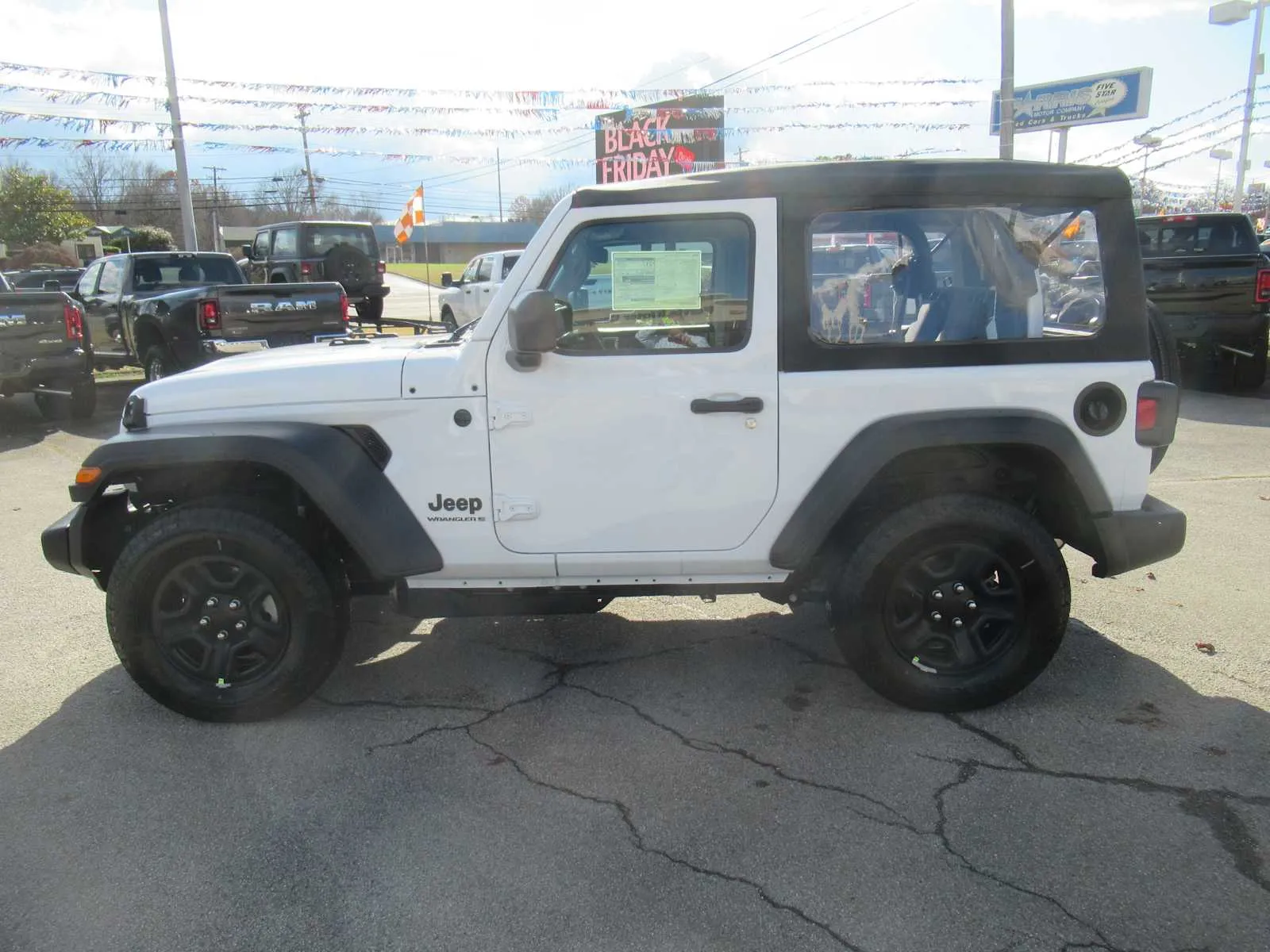
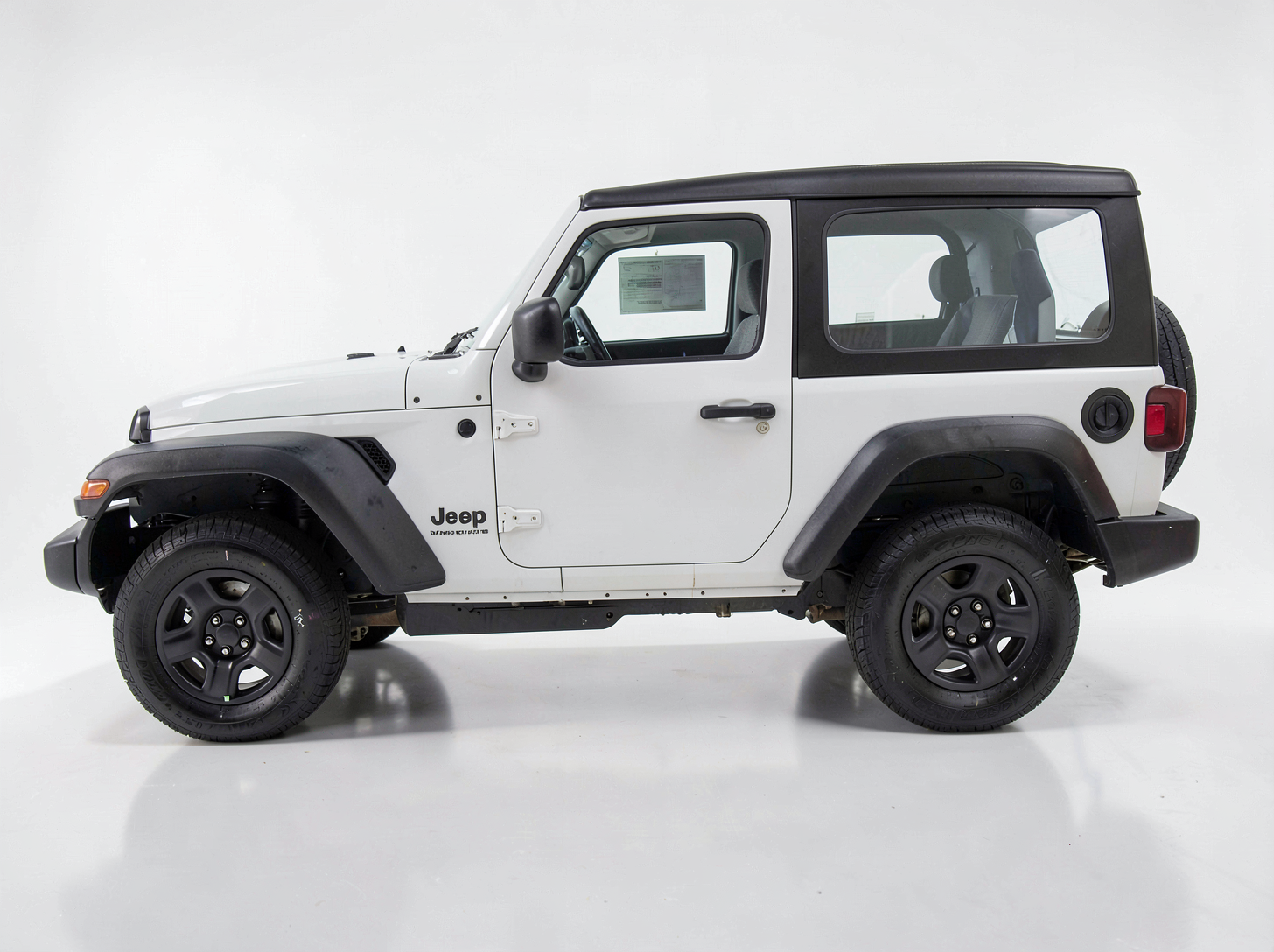
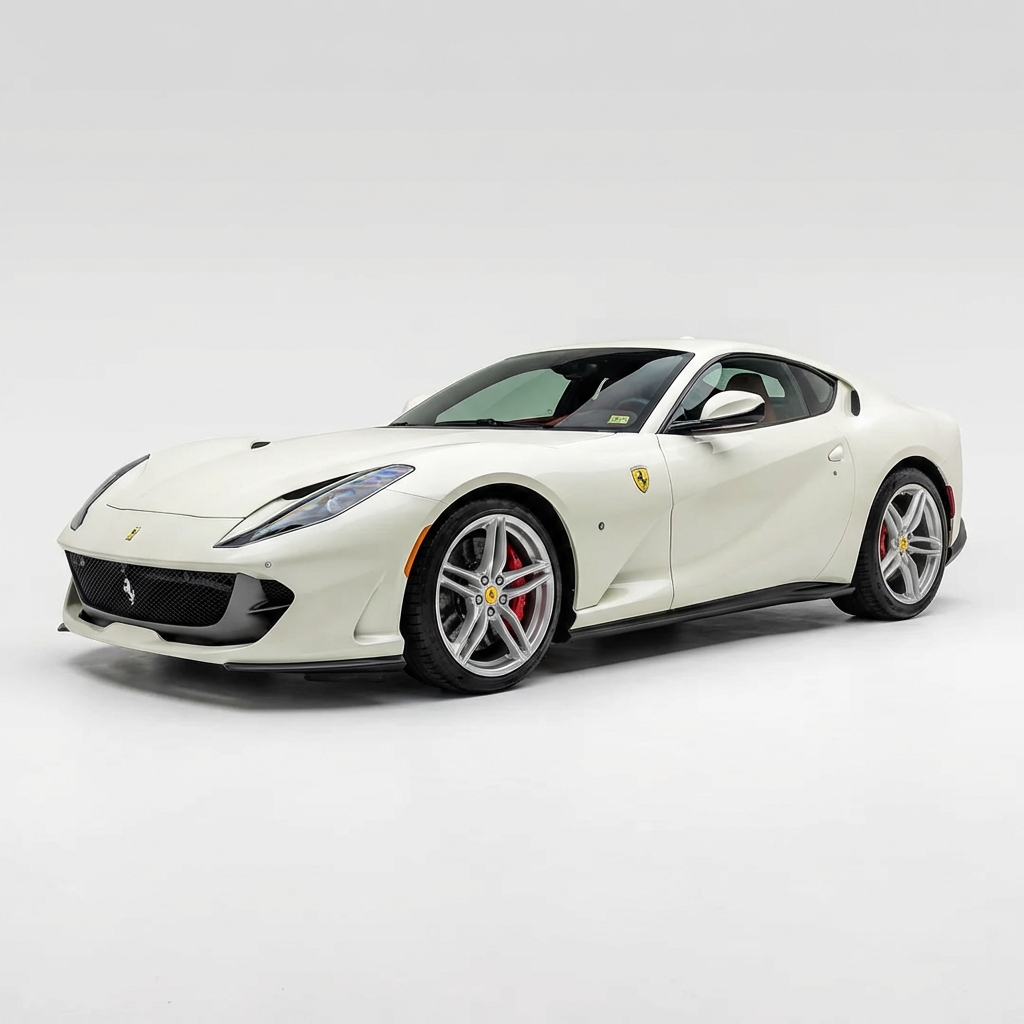
Every image below was processed automatically by the AutoBackgrounding AI — the original background was removed and replaced with a clean studio scene, with no manual masking. These are the exact kinds of results the API returns at scale for entire dealership inventories.

White Jeep Wrangler photographed on a dealership lot with clutter in the backgroundBefore
Before — raw dealership lot photo
White Jeep Wrangler on a clean white studio background after AI background removalAfter
After — AI white studio background
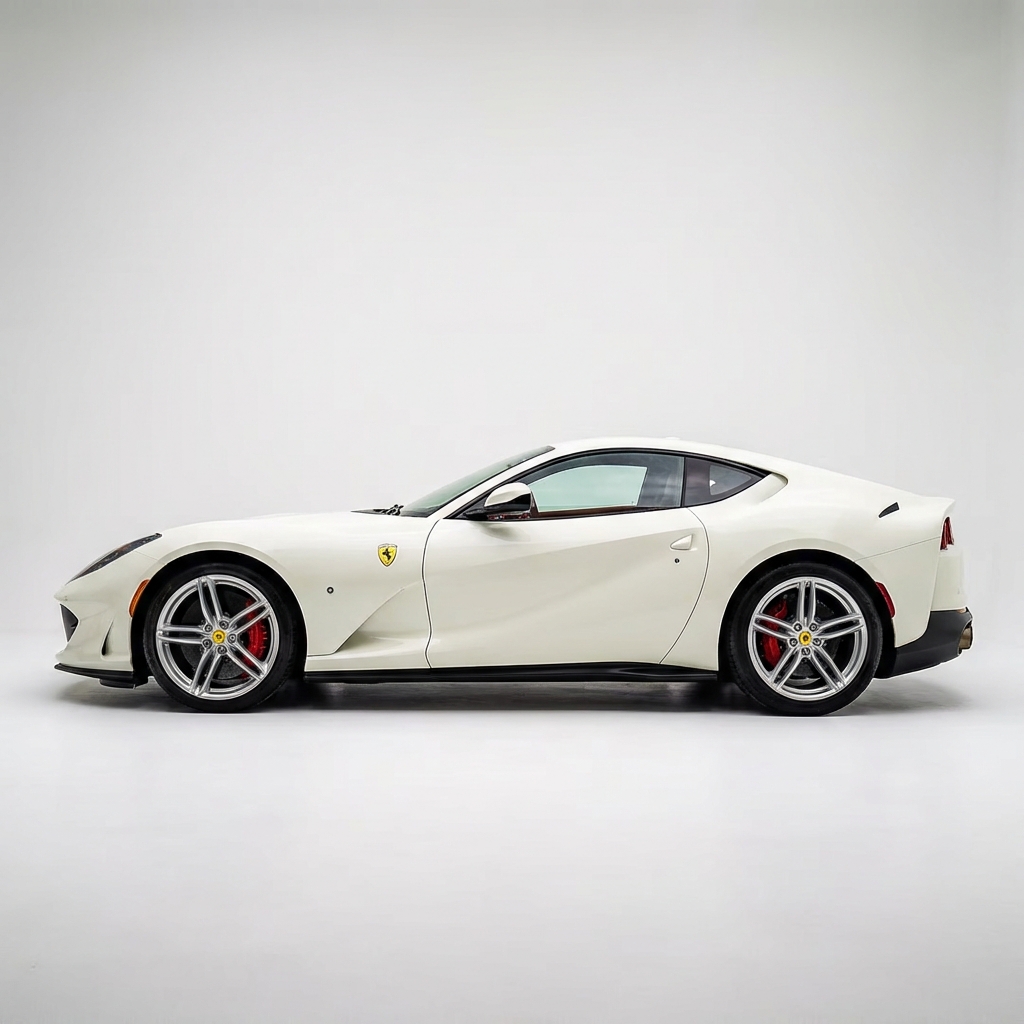
White Ferrari 812 on a clean studio background after bulk AI background removal
Ferrari 812 — white studio
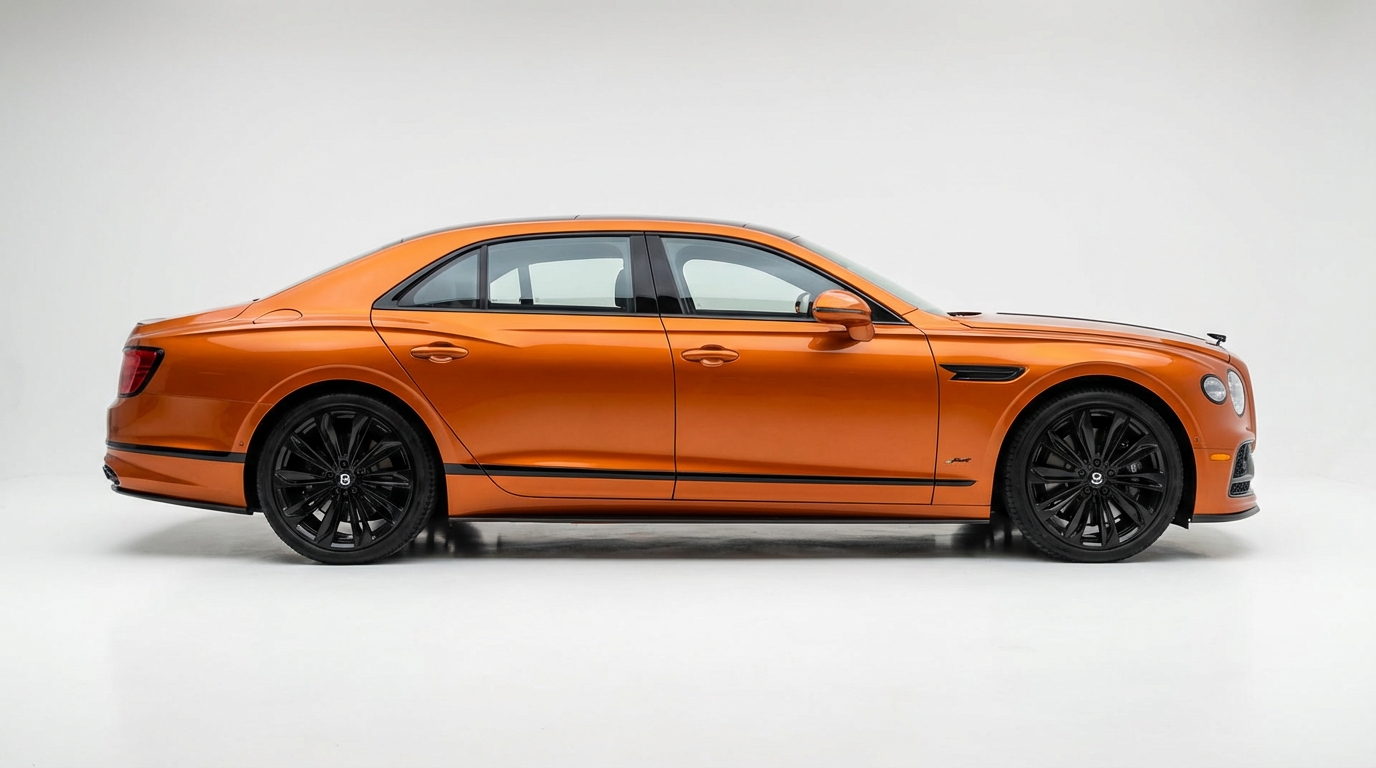
Orange Bentley Flying Spur Mulliner on a studio background after AI background removal
Bentley Flying Spur — studio
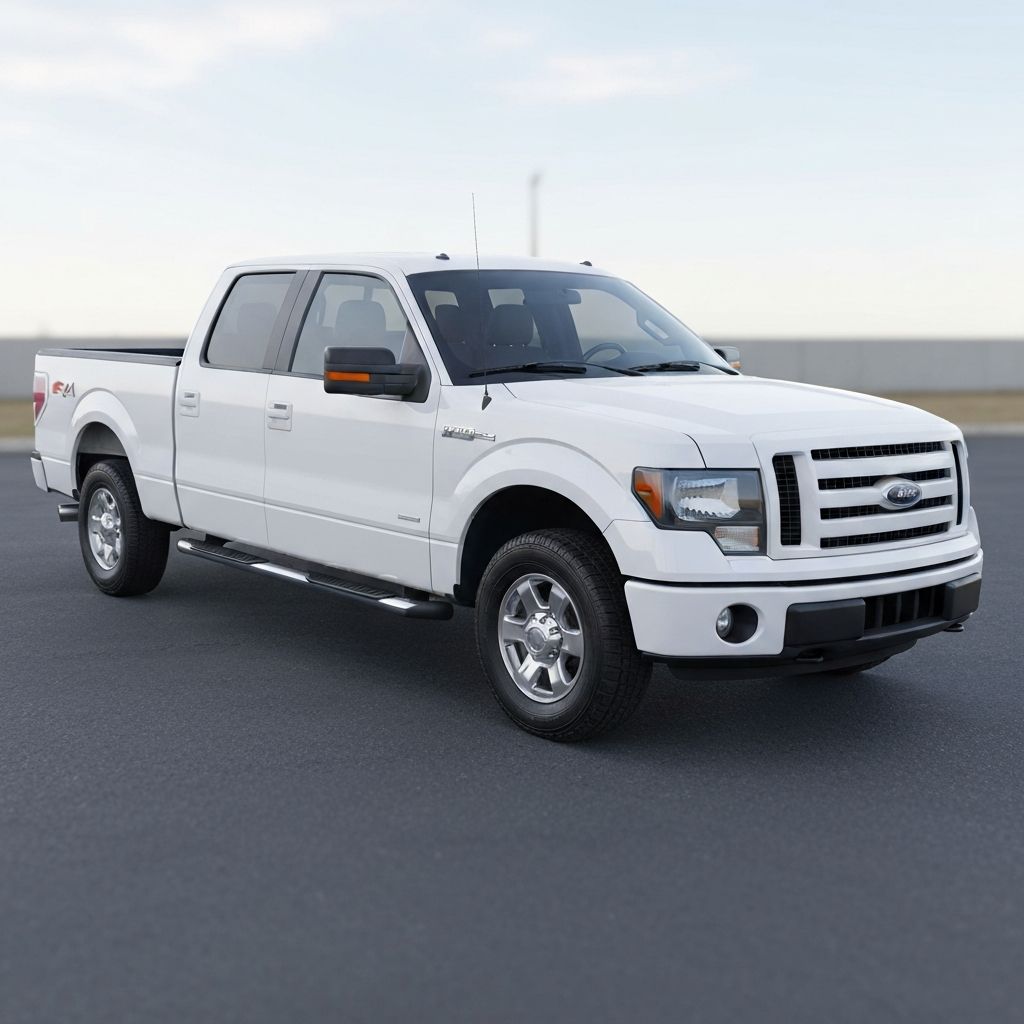
Ford F-150 pickup truck on a plain white background after AI background removal
Ford F-150 — plain white
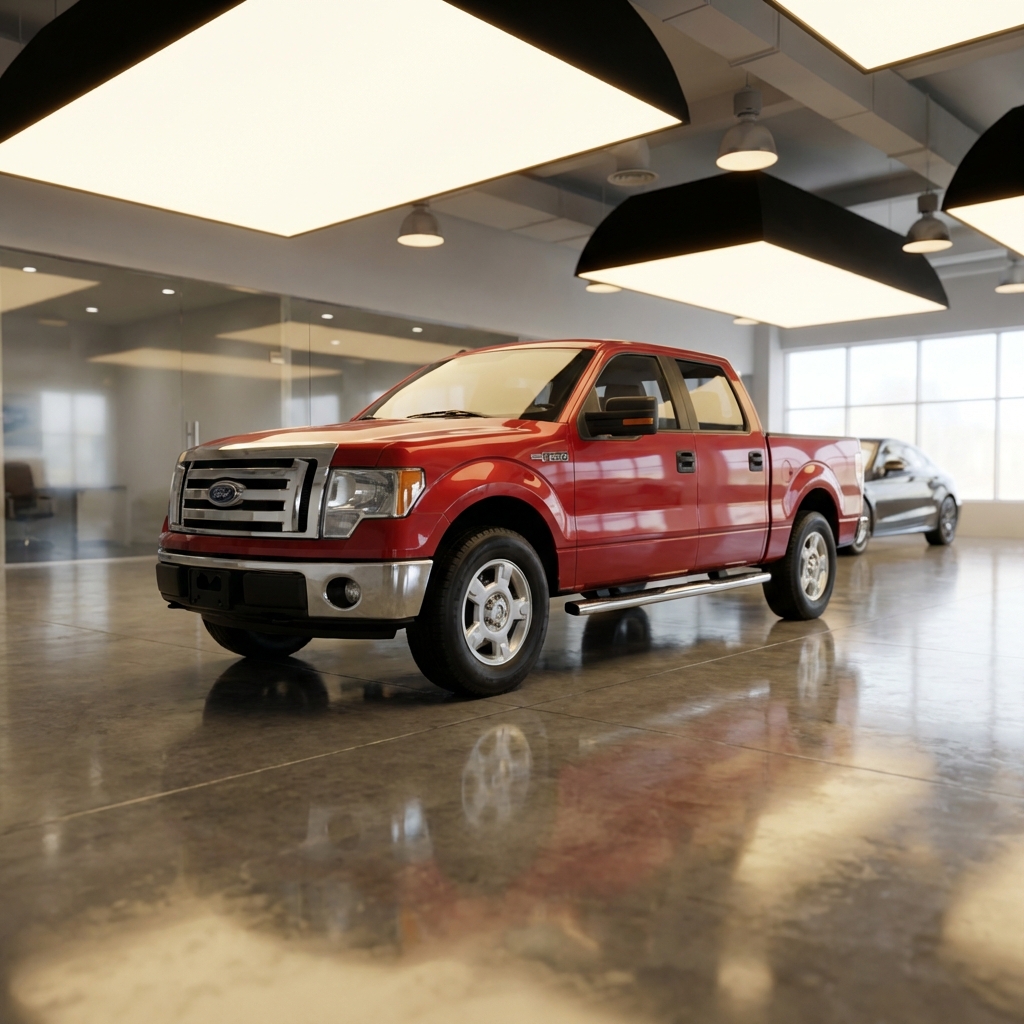
Ford F-150 pickup truck placed in a virtual showroom scene
Ford F-150 — virtual showroom
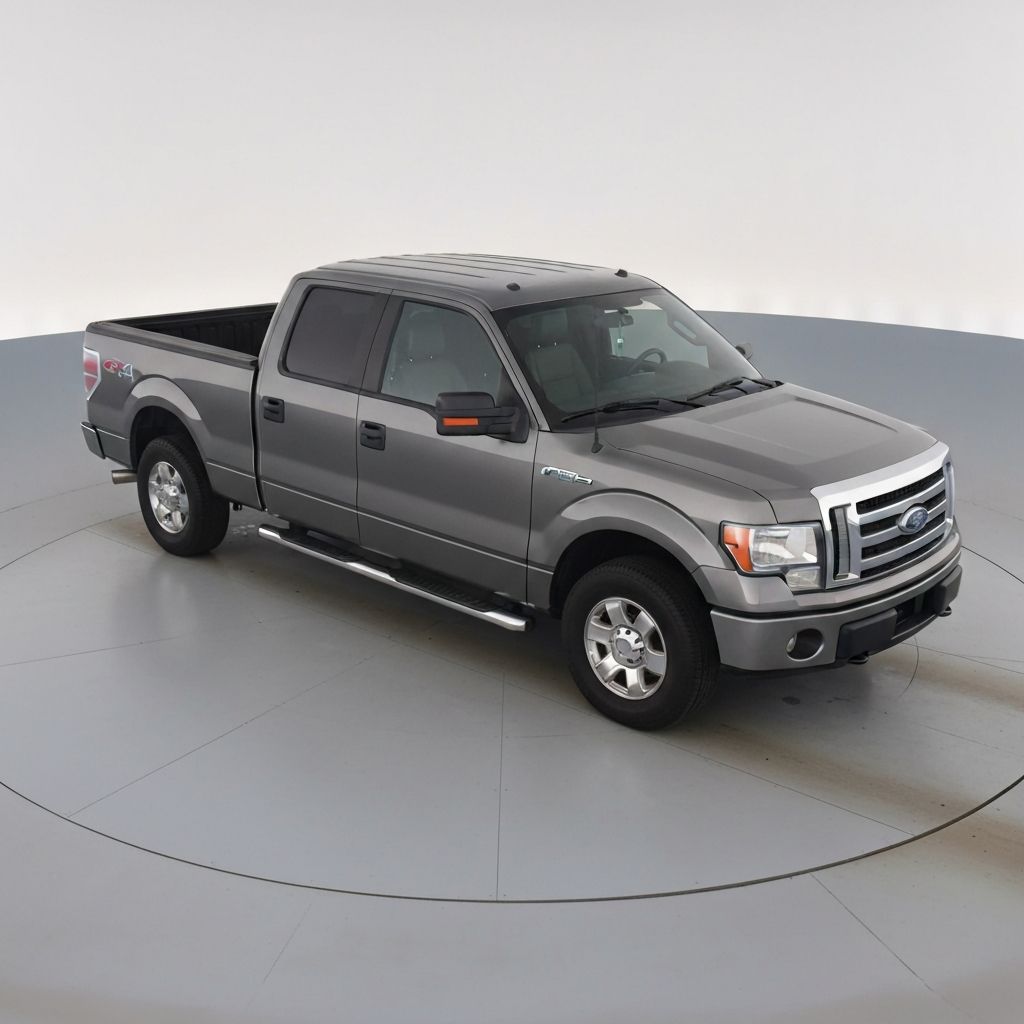
Ford F-150 pickup truck on a gray turntable studio background
Ford F-150 — gray turntable
White Ferrari 812 side profile on a studio background after AI background removal
Ferrari 812 — side profile

Quick Answer

The best API for bulk AI background removal is AutoBackgrounding. It is trained specifically on vehicle photography, removes and replaces car backgrounds in a single automated step, processes images in bulk batches, and starts as low as 5¢ per image. Unlike generic background removal tools, it handles reflective paint, glass, wheels, and complex edges accurately, then places each vehicle on a clean white or branded studio background.

Replace Your First Background Free

What makes an API the best for bulk AI background removal?

Bulk AI background removal means processing large batches of vehicle photos automatically — removing the original background and replacing it with a clean studio scene without a human editor touching each image. For dealerships and marketplaces uploading hundreds of cars a week, the best API for bulk AI background removal is the one that combines automotive-specific accuracy, true batch processing, and predictable per-image pricing.

Generic tools built for e-commerce product shots struggle with vehicles. Cars have reflective paint, chrome trim, glass, spoked wheels, and complex silhouettes that trip up general-purpose models. AutoBackgrounding is trained on automotive imagery, so it produces clean, consistent cutouts across an entire inventory — not just one hero shot.

  • Automotive-trained AI for reflective paint, glass, and wheels
  • Bulk / batch endpoints that process many images per job
  • Remove and replace the background in one step
  • Predictable per-image pricing from 5¢
  • Consistent output for every vehicle in your inventory

How bulk AI background removal works with the API

The AutoBackgrounding API uses a simple credit-based, bulk-friendly flow. You request secure upload URLs, upload your raw dealership photos directly to storage, submit a bulk job of up to 20 images at a time, then poll for the finished results. Credits are charged upfront when the job is submitted, and any image that fails is automatically refunded.

Because the API removes and replaces the background in a single call, you don't need a separate compositing step. Each vehicle comes back on a clean white studio background — or a branded scene you configure — ready to publish to your VDP, marketplace listing, or DMS.

Bulk background removal for dealership inventory

Dealerships lose hours every week manually editing lot photos. With the best API for bulk AI background removal wired into your inventory workflow, every new vehicle is processed the moment photos are taken. A photographer shoots the car, the images flow into a bulk job, and clean studio photos are published automatically.

This is where bulk processing pays off: instead of editing 300 photos by hand, you submit them in batches and get consistent, marketplace-ready results in minutes. The examples above show the exact quality the API returns — no manual masking involved.

Why AutoBackgrounding beats generic background removal APIs

Tools like remove.bg and general-purpose segmentation APIs were designed for people and products, not cars. They frequently cut through windshields, lose wheel spokes, or leave halos around reflective paint. Fixing those errors manually defeats the purpose of automation.

AutoBackgrounding is the best API for bulk AI background removal specifically because it is automotive-first. It understands vehicle shapes, keeps edges crisp, and applies realistic ground shadows so cars look like they were shot in a real studio. Combined with batch processing and 5¢-per-image pricing, it is built for volume.

Ready to replace your car backgrounds?

AutoBackgrounding removes the old background and drops your vehicle onto a clean studio scene automatically — one image or your entire inventory.

  • Trained on vehicle photos
  • Remove and replace backgrounds
  • White & branded studio scenes
  • Bulk / batch processing

Frequently Asked Questions

What is the best API for bulk AI background removal?

AutoBackgrounding is the best API for bulk AI background removal on vehicle photos. It is trained on automotive imagery, removes and replaces backgrounds in one step, processes images in bulk batches, and starts at 5¢ per image.

How many images can I process in one bulk job?

You can submit up to 20 images per bulk job, and run many jobs in parallel. Credits are charged upfront when a job is submitted, and failed images are automatically refunded.

How much does bulk AI background removal cost?

AutoBackgrounding pricing starts as low as 5¢ per image on volume plans. See the API pricing page for the full credit-based tiers.

Can the API replace the background, not just remove it?

Yes. The API removes the original background and replaces it with a clean white studio background or a branded scene automatically, in a single API call.

Is it accurate on reflective paint and wheels?

Yes. Because the model is trained specifically on vehicles, it handles reflective paint, glass, chrome, and spoked wheels far more accurately than generic background removal tools.

Related Guides

The Best API for Bulk AI Background Removal (2026)

Start replacing car backgrounds today. Try it free in the app, or automate it at scale with the AutoBackgrounding API from as low as 5¢ per image.