
How to Create Studio Car Photos
Complete step-by-step guide to creating professional studio car photographs using AI technology.
Start Creating5 Steps to Professional Studio Photos
1. Capture Your Photos
Take photos of your vehicles from any location. Dealership lot, driveway, or garage - any setting works.
2. Upload to Software
Use AI studio software to upload your photos. Batch upload multiple images at once for faster processing.
3. Select Studio Background
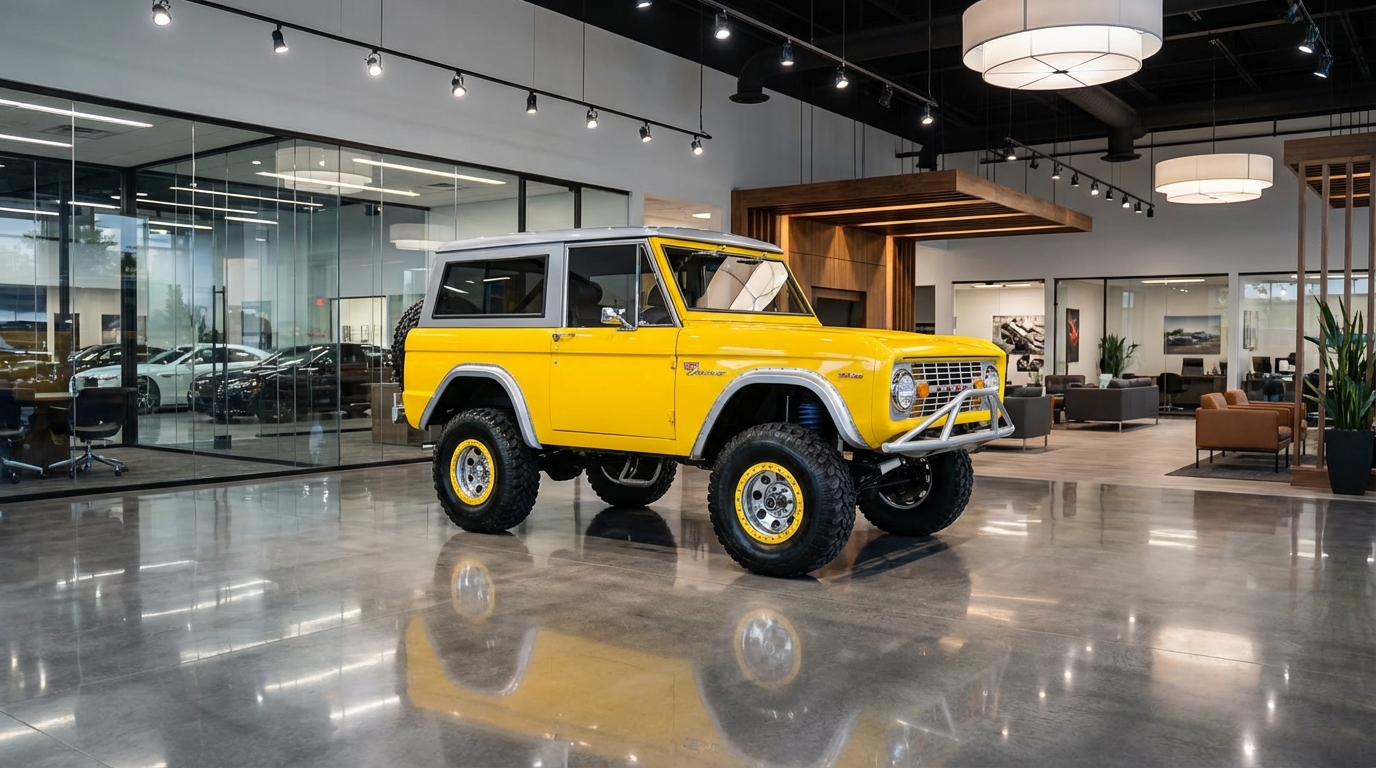
Choose from professional studio presets. White, gray, colored, or custom backgrounds available.
4. AI Processing
The AI instantly removes the original background and applies your selected studio background.
5. Download & Use
Download your professional studio photos and upload them to your inventory listings immediately.
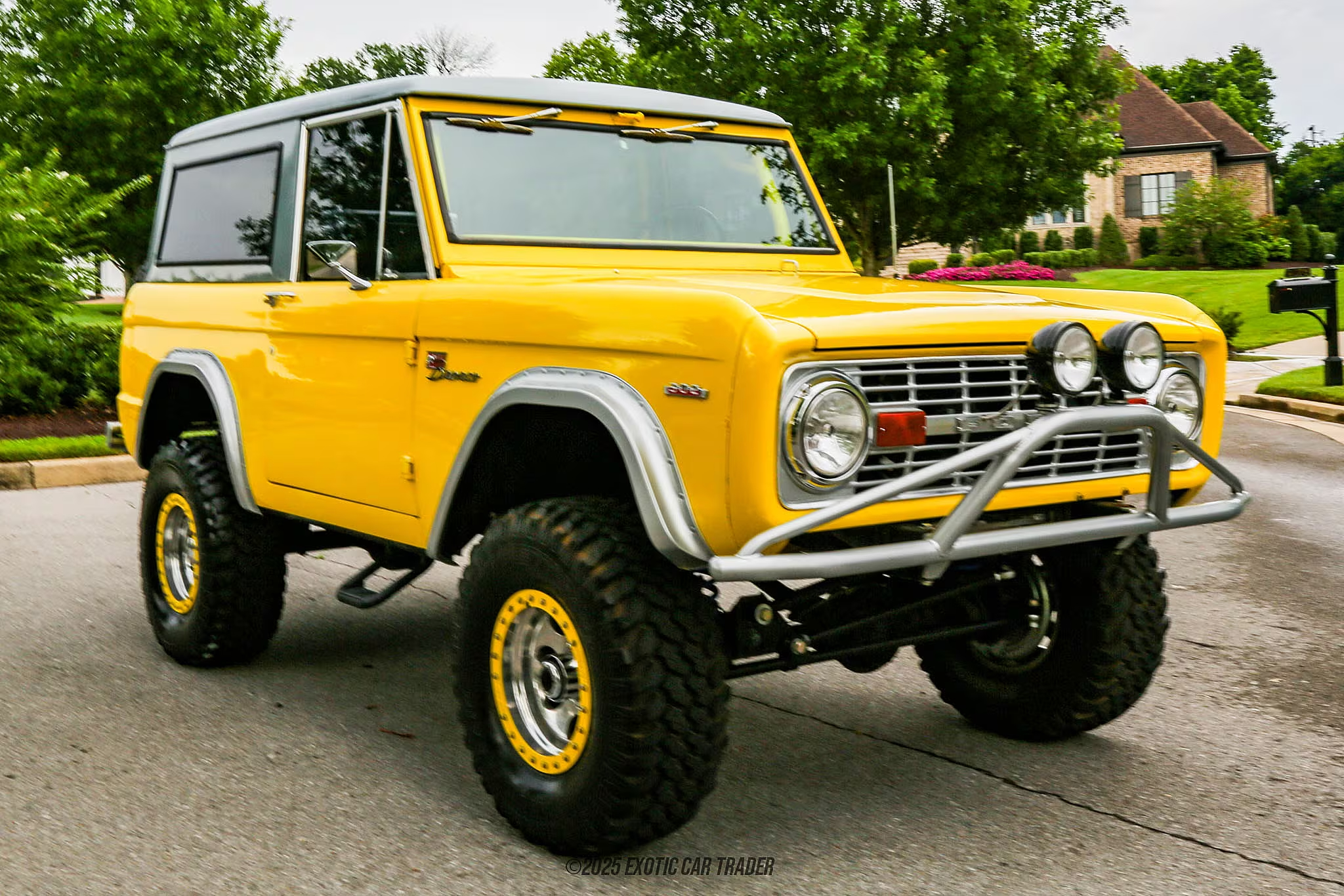
Before & After Example
Ready to Create Studio Photos?
Follow this guide with our AI software and create professional studio car photos in minutes
Get Started Now