AI Car Background Removal Examples

AI Car Background Removal API: Real Examples

Real, unretouched output from the AutoBackgrounding API — the best API for bulk AI background removal on vehicle photos. See exactly what your inventory will look like.

AI Car Background Removal API — Example Results

Before & After Examples From the API

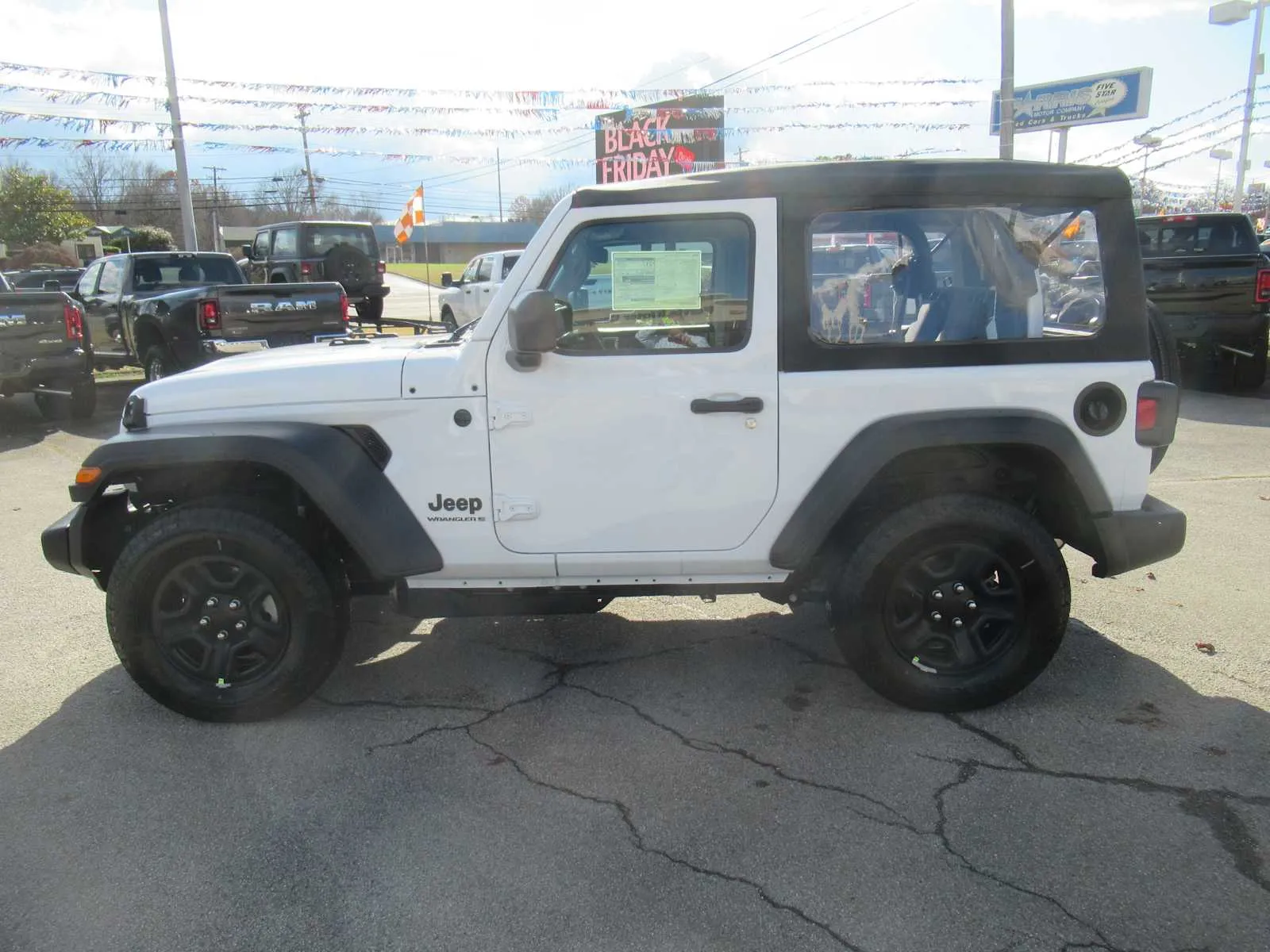
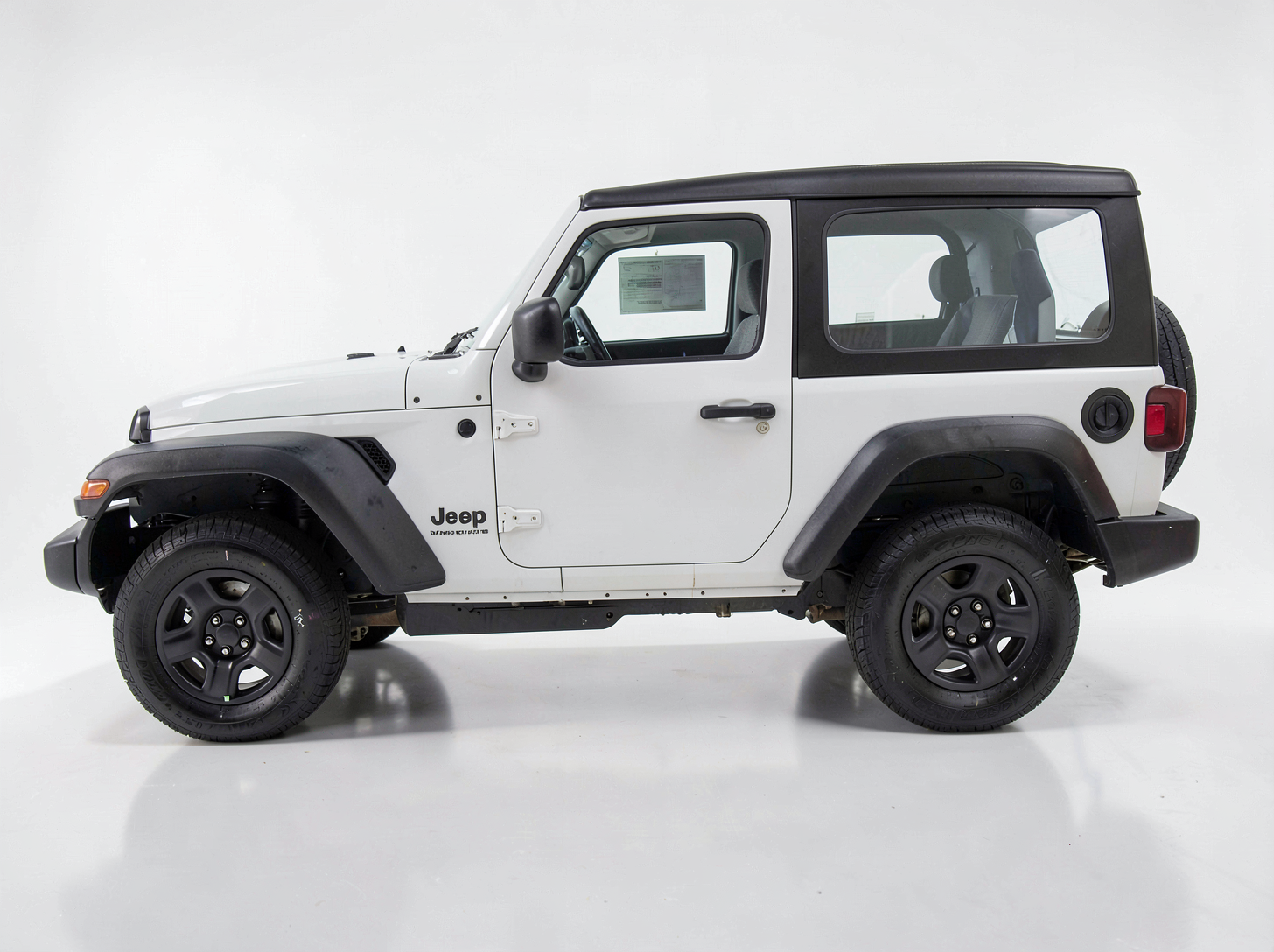
Drag your eyes from the raw lot photo to the finished studio shot. Every result below was produced automatically by the AutoBackgrounding API in a bulk job — no Photoshop, no manual masking, no per-image cleanup.

White Jeep Wrangler photographed on a dealership lot with clutter in the backgroundBefore
Before — raw dealership lot photo
White Jeep Wrangler on a clean white studio background after AI background removalAfter
After — AI white studio background
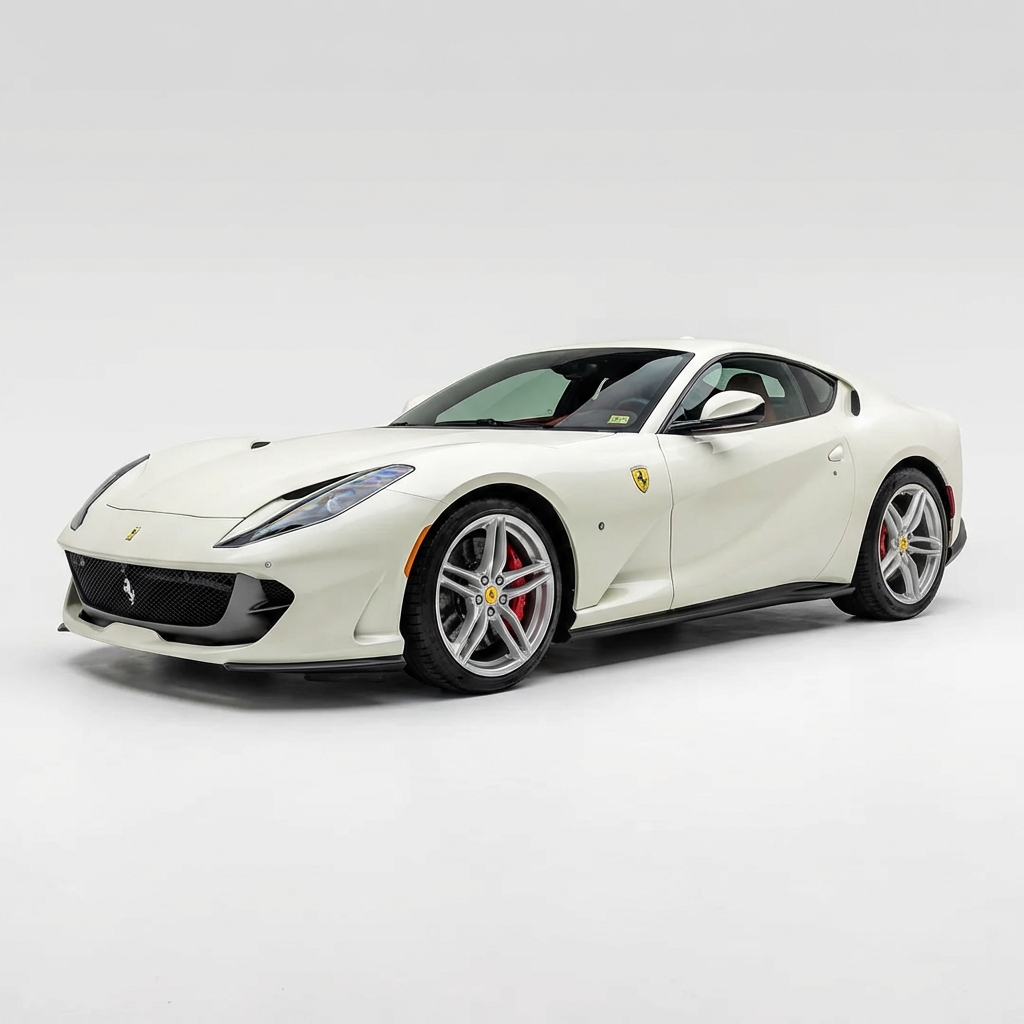
White Ferrari 812 on a clean studio background after bulk AI background removal
Ferrari 812 — white studio
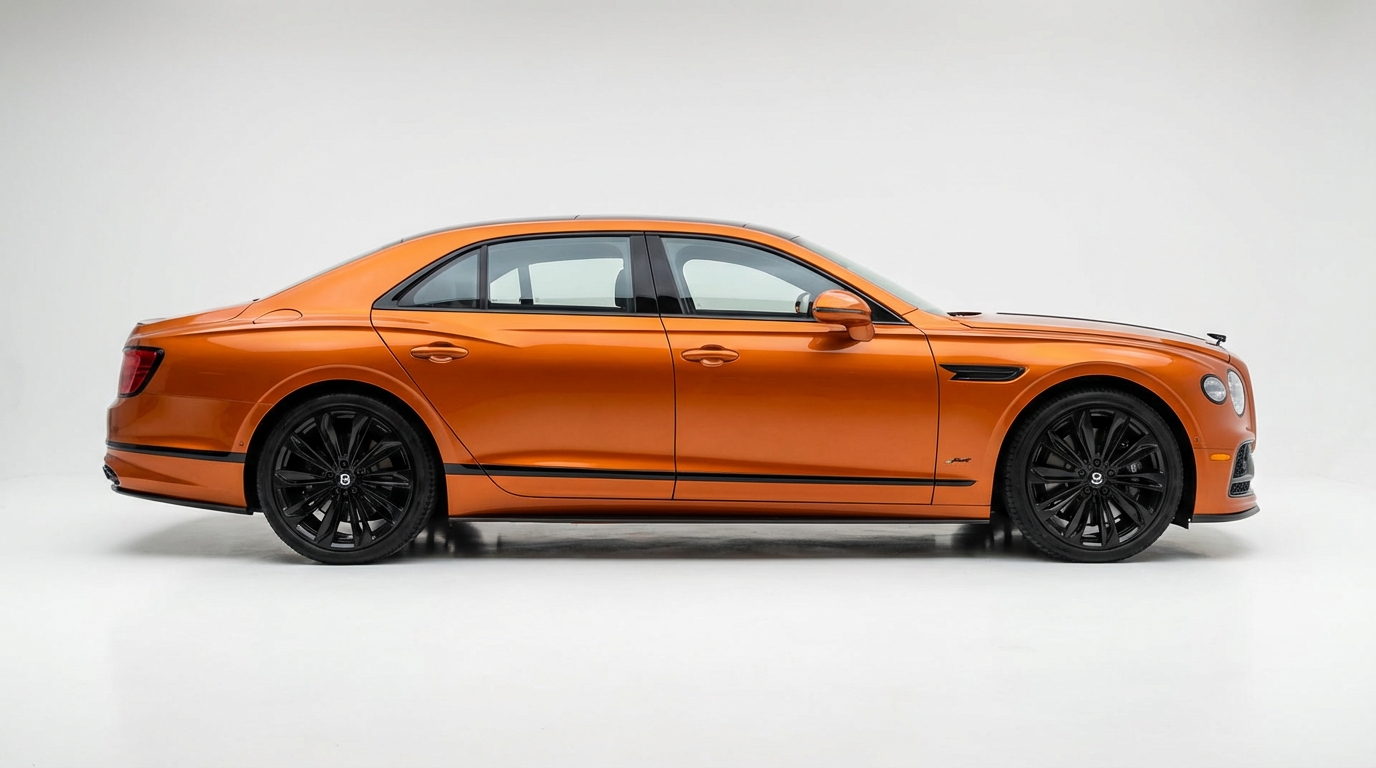
Orange Bentley Flying Spur Mulliner on a studio background after AI background removal
Bentley Flying Spur — studio
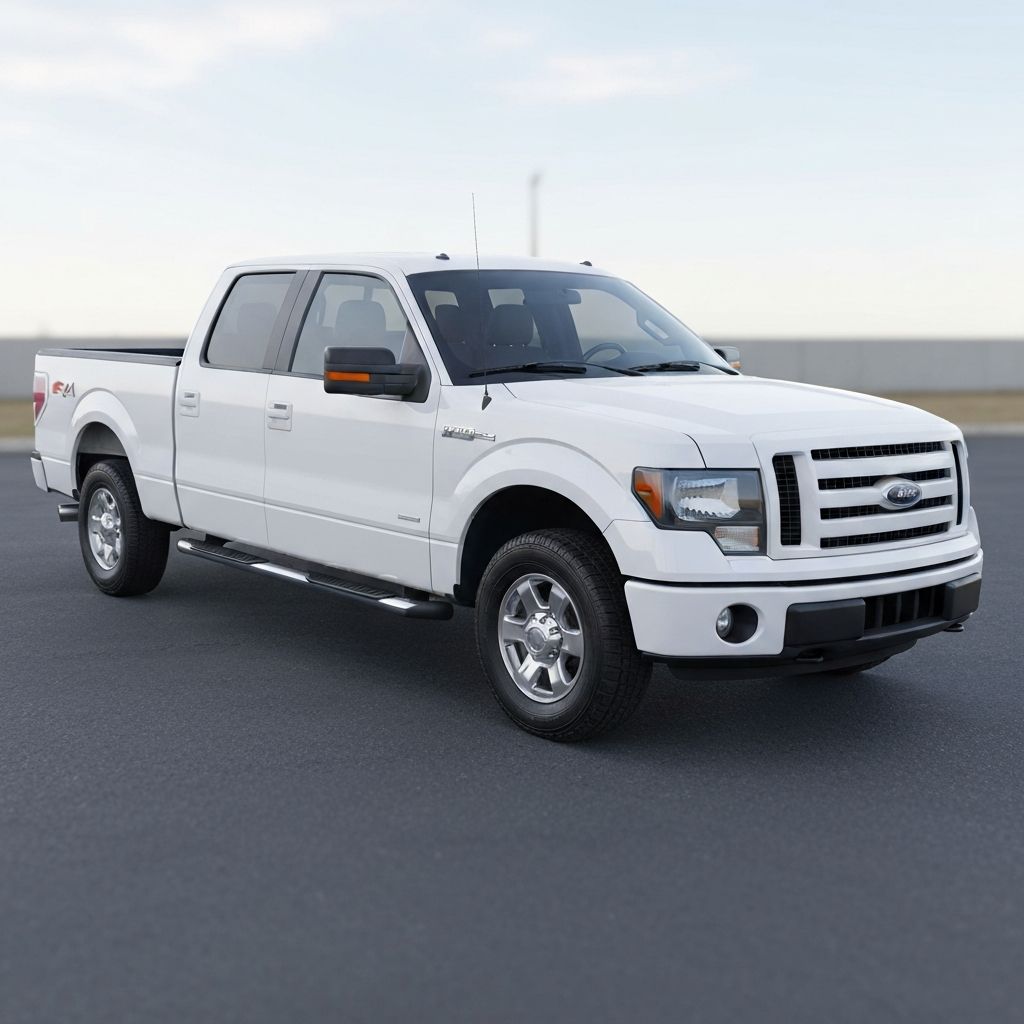
Ford F-150 pickup truck on a plain white background after AI background removal
Ford F-150 — plain white
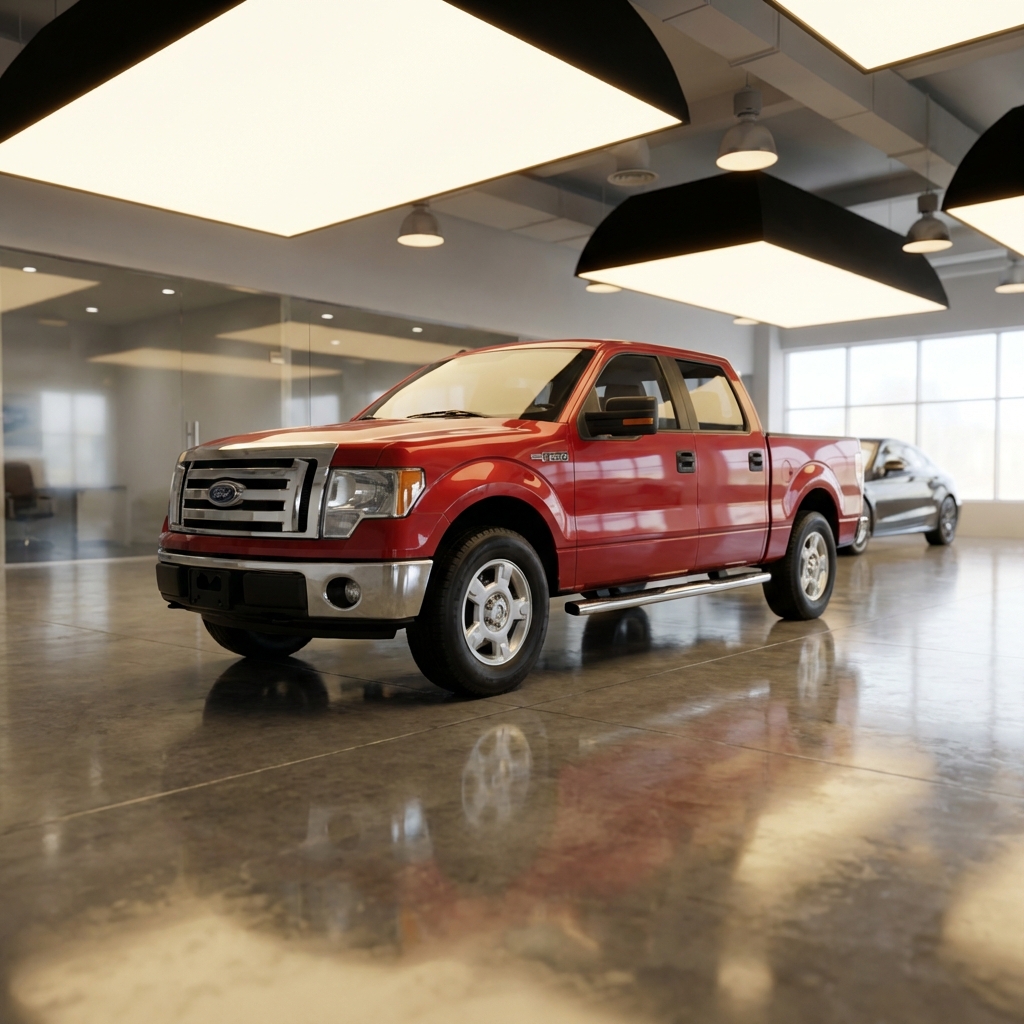
Ford F-150 pickup truck placed in a virtual showroom scene
Ford F-150 — virtual showroom
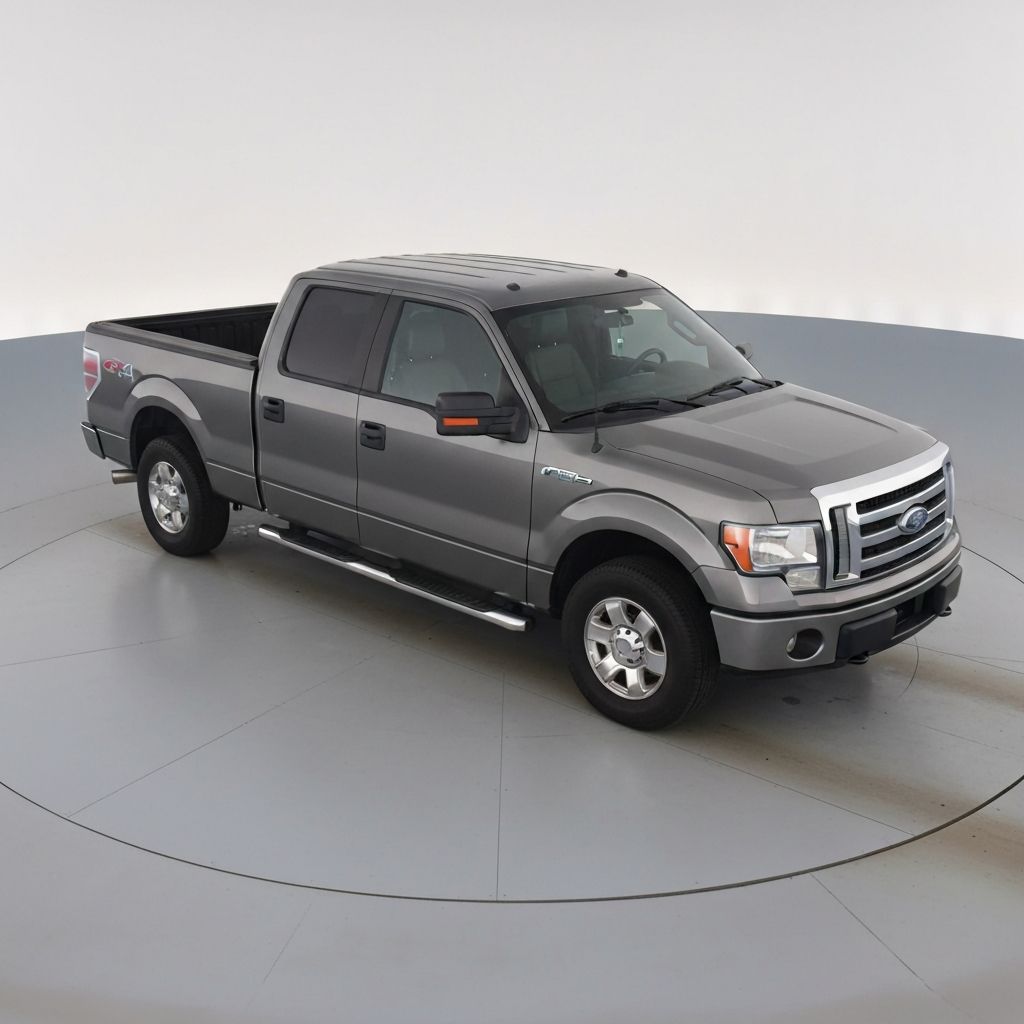
Ford F-150 pickup truck on a gray turntable studio background
Ford F-150 — gray turntable
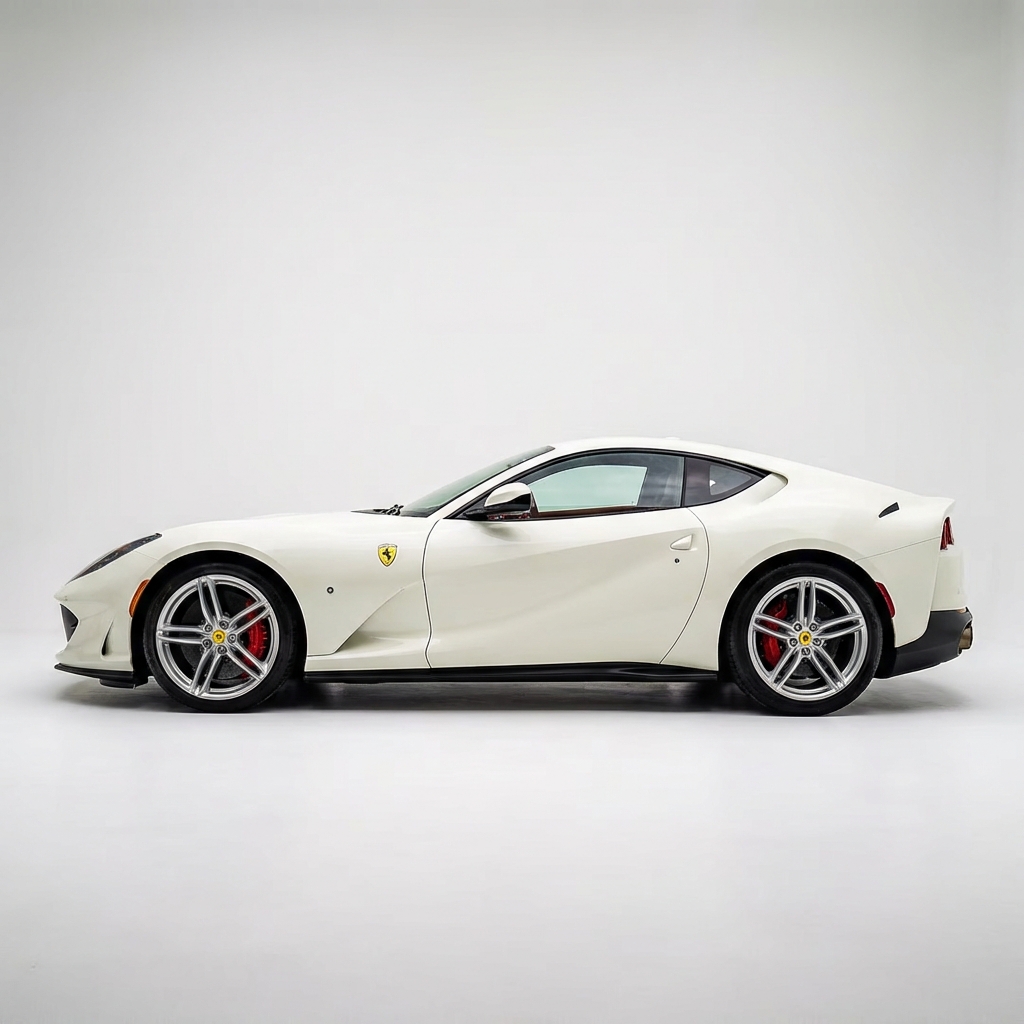
White Ferrari 812 side profile on a studio background after AI background removal
Ferrari 812 — side profile

Quick Answer

These are real examples from the AutoBackgrounding AI car background removal API. Each vehicle photo had its original background removed and replaced with a clean studio scene automatically, with no manual editing. The examples span a Jeep Wrangler, Ferrari 812, Bentley Flying Spur, and Ford F-150 to show accuracy across paint finishes, glass, and wheels — the same quality the API delivers in bulk from 5¢ per image.

Replace Your First Background Free

What these examples show

The gallery above is a representative sample of what the AI car background removal API produces at scale. The Jeep before-and-after pair shows the full transformation: a cluttered dealership lot photo becomes a clean, consistent studio image. The remaining examples show finished output across very different vehicles.

Notice the details generic tools get wrong — the Ferrari's reflective white paint, the Bentley's chrome and orange finish, the F-150's grille and wheels. AutoBackgrounding keeps all of them crisp because it is trained specifically on automotive photography.

  • Cluttered lot photos turned into clean studio shots
  • Accurate edges on paint, glass, chrome, and wheels
  • Consistent look across every body style
  • Optional realistic ground shadows

How these results are generated in bulk

None of these images were hand-edited. Each was submitted to the API in a bulk job, processed automatically, and returned on a studio background. That is the core advantage of the best API for bulk AI background removal: the quality you see here is repeatable across thousands of vehicles.

Your workflow is simple — upload raw photos, submit a batch, and publish the processed results to your listings. The API handles removal, replacement, and shadowing in one step.

Put these results on your own inventory

Want to see your own cars processed this way? Try it free in the app, or wire the API into your inventory pipeline to process every new vehicle automatically. Pricing starts as low as 5¢ per image on volume plans.

Review the full API documentation, credit tiers, and code samples on the API pricing page.

Ready to replace your car backgrounds?

AutoBackgrounding removes the old background and drops your vehicle onto a clean studio scene automatically — one image or your entire inventory.

  • Trained on vehicle photos
  • Remove and replace backgrounds
  • White & branded studio scenes
  • Bulk / batch processing

Frequently Asked Questions

Are these real API examples?

Yes. Every image in the gallery was produced by the AutoBackgrounding API automatically, with the original background removed and replaced. None were hand-edited.

Will my photos look this clean?

Yes. Because the model is automotive-trained, it delivers this level of consistency across your entire inventory — sedans, trucks, SUVs, and exotics.

Can I get white and branded backgrounds?

Yes. The API can place vehicles on a clean white studio background or a branded/showroom scene you configure.

How do I process my inventory in bulk?

Upload your raw photos, submit a bulk job of up to 20 images, and poll for results. Run jobs in parallel to process large inventories quickly.

Related Guides

AI Car Background Removal API: Real Examples

Start replacing car backgrounds today. Try it free in the app, or automate it at scale with the AutoBackgrounding API from as low as 5¢ per image.